How it works
The installation is handled by a partner of your choice, at your own convenience and cost. We provide hands-on guidance throughout the entire process to ensure a smooth setup. Below, you’ll find the complete step-by-step guide for installing the BLT.software, making it easy to follow and implement.
Install gateways
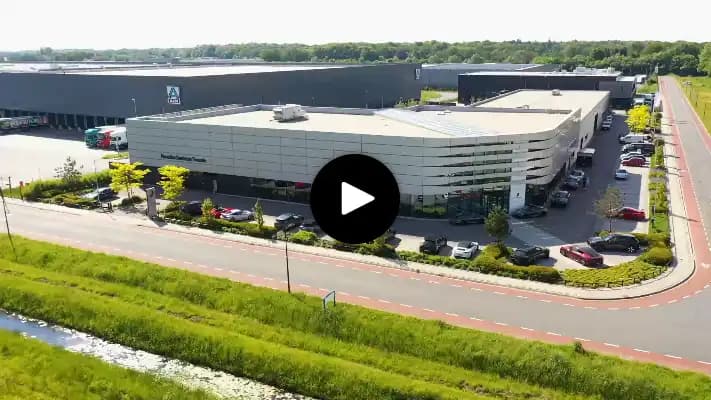
The gateways are positioned at various strategic points on your premise. We offer different types of gateways for indoor and outdoor use.


Placement
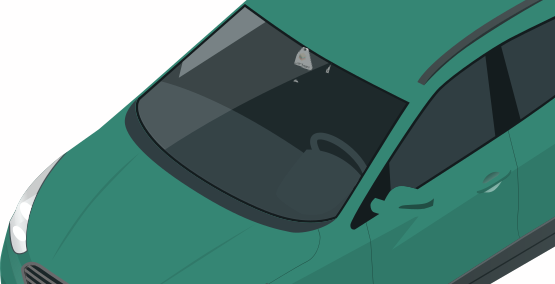
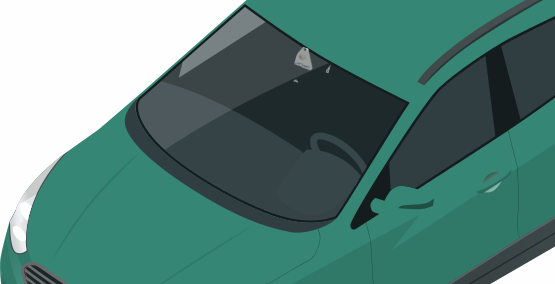
Place the triangle Bluetooth tag on the car's rearview mirror and attach the other tag to the key. When the QR code is scanned, you'll see the car's information, such as the VIN number, registration plate, and model type.
Creating zones within your location(s)
Using the gateways, zones are created so you know where each car/key is.


Use the frontend
To pull customized data queries and gain tons of insights. Employees can always check the phase of a car. Our solution can be fully integrated into your existing backend systems.


Re-use
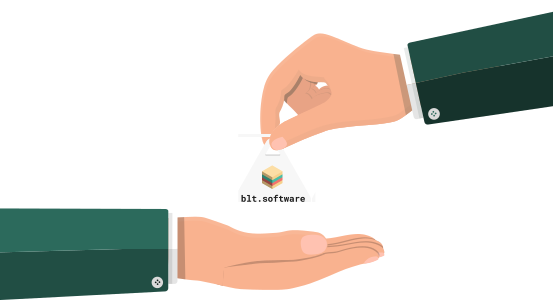
The Bluetooth triangle tag can be removed from the car after a sale. It can then be easily reset by scanning the QR code. Besides cars, the Bluetooth triangle tag can also be ideally used for car keys, you often lose track of your keys too.
With an average turn-around time of a month, a triangle Bluetooth tag can be reused 24 times, saving a huge amount of money!
Discover your savings
Get your result instantly with our calculator!